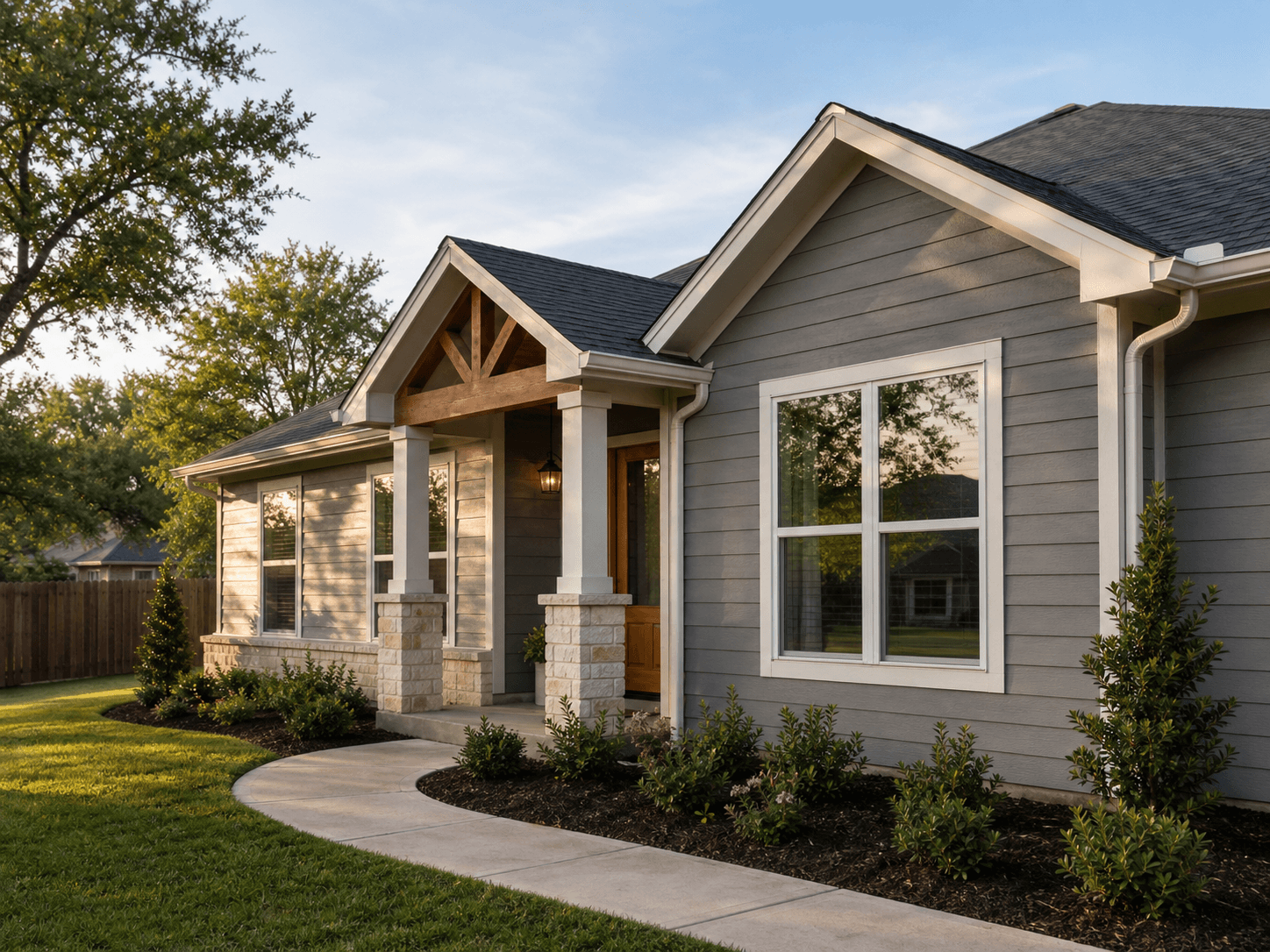
Get a non-binding remodel estimate from your phone in minutes.
Photo, video, and LIDAR room scans. Describe the project by voice in your language. Our AI returns a structured estimate against our published rates — non-binding, transparent, and yours to use however you want. If you like it, book an onsite consultation. Pay only when work begins.
Free app for the homeowner. We earn only when you book actual work.
Licensed and insured
Daily photo updates during your project
Materials and labor priced from a published rate card you can audit
98% client satisfaction across 500+ completed projects
25+ years experience
AI estimates are clearly labeled non-binding — your onsite quote controls
Free, fast, AI-powered estimate
Take photos, walk a video, scan a room with LIDAR if your phone supports it. Speak your project in your own language. The app produces a structured estimate against our published rates, in 2-5 minutes. Non-binding — but accurate enough to plan around.
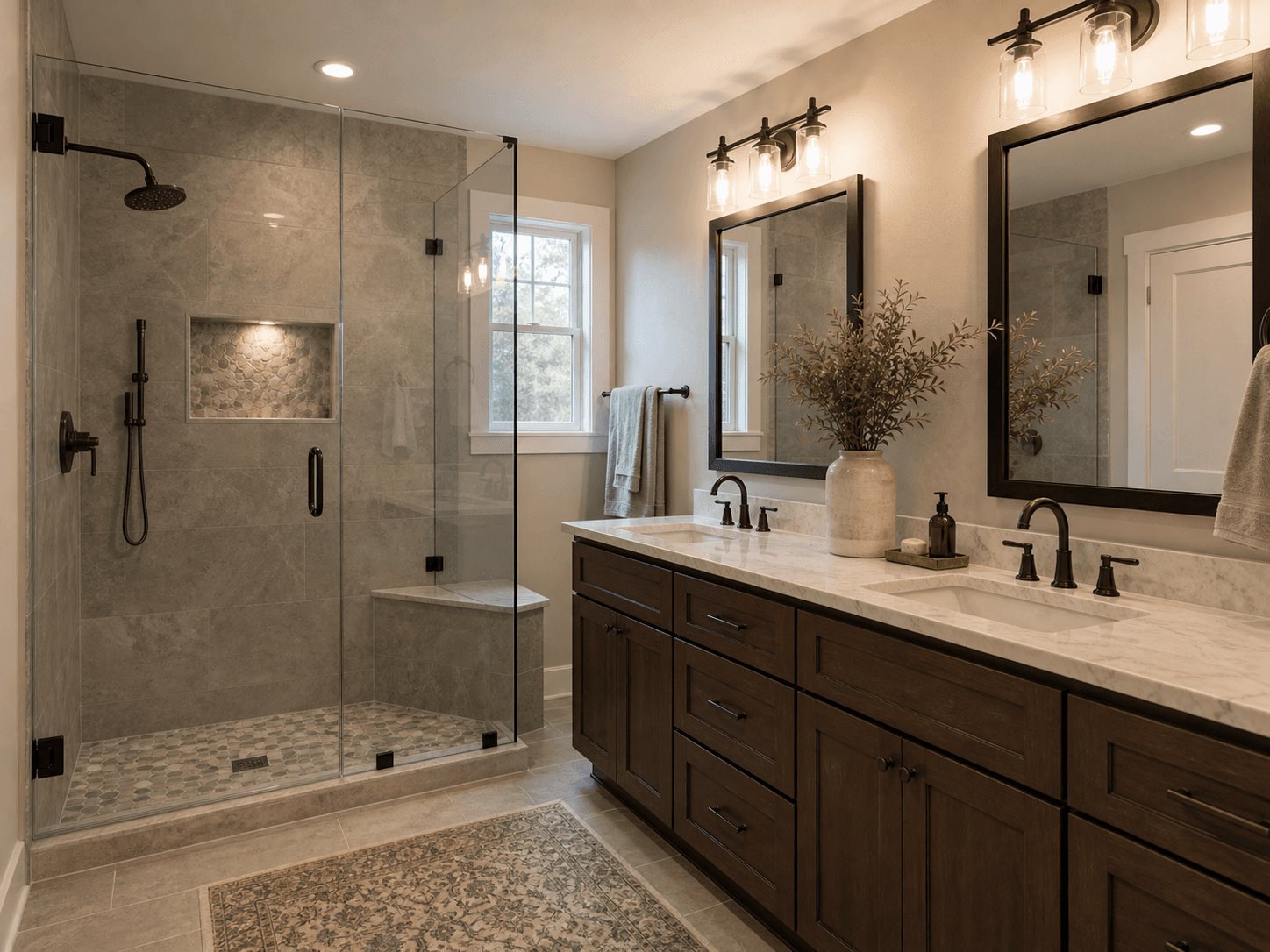
LIDAR room scans (iPhone 12 Pro and newer)
If your phone has the LIDAR sensor, the app captures wall lengths, openings, ceiling height, and area in seconds — using Apple's RoomPlan API. Older phones fall back to a guided photo flow. Either way, the data is yours, and you keep it.
Speak your language. We read in ours.
Speak the project description in Spanish, Vietnamese, Polish, Tagalog — any of 21 supported languages. Our team reads it in English. Reply translates back to your language. Both versions are stored verbatim — no information lost in translation.
Schedule from your phone, sync to your calendar
Book the onsite consultation with one tap. The appointment lands in your Apple Calendar / Google Calendar / Outlook. We send reminders. You can reschedule by tapping a different slot.
Daily progress photos during your project
Once work starts, you get a daily photo + short note from the crew lead — visible in your account, with a notification. No more 'is anything happening today?' calls.
Pay only for actual work, in stages you control
Deposit when work starts. Milestone payments as the project progresses. Final payment when you sign off. All payments through Stripe; receipts in your account. No hidden fees.
1. Capture
Take photos, walk a short video, scan with LIDAR if supported. Talk through what you want changed. The app handles the rest.
2. Estimate (free, non-binding)
AI returns a structured estimate against our public rate card. You see line items: materials, labor, expected timeline. You decide whether to take the next step.
3. Onsite consultation
If you like the estimate, book an onsite. We measure, confirm, and adjust. The onsite estimate is the binding one.
4. Work begins
You sign the project agreement, pay the deposit, and we start. Daily photo updates and milestone payments through the project. Sign-off and final payment when complete.
Free app. Free AI estimates. Pay only for the work.
We don't charge you to use the app or get an estimate. We earn when we do the work — and only what we agreed to in writing.
Real prices come from the onsite quote, not the AI estimate. The AI is a starting point you can plan around; the onsite quote is the binding one.
Frequently asked questions
Is the AI estimate accurate?
Within ±15-25% on most projects, when we have good photos + a video walkthrough or a LIDAR scan. It's accurate enough for planning. The binding number comes from the onsite consultation, where we measure, confirm materials, and account for site-specific conditions.
Is the AI estimate binding?
No — it's clearly labeled non-binding throughout the app and on the PDF export. We can't commit to a price without seeing the site in person. The estimate is meant to give you a credible starting number, not a quote.
What does the app cost?
The app is free. AI estimates are free. We earn when you book actual work, and what you pay is what we agreed to in writing — nothing else.
Do I have to use the AI estimate?
No. You can skip the estimate and book an onsite consultation directly. The estimate is for homeowners who want a number before deciding whether to take time off for an onsite visit.
What if my phone doesn't have LIDAR?
The app falls back to a guided photo + video flow. The estimate is still useful — slightly less precise than with LIDAR, but well within planning range.
How do you handle materials I'm sourcing myself?
Tell us in the description (or upload your spec sheet). The estimate splits labor from materials so you can see what's what. Onsite, we'll confirm what you've sourced and price the labor accordingly.
Can I get the estimate in Spanish (or my language)?
Yes. The app supports 21 languages. The crew reads it in English; their reply translates back to your language. Both versions are stored verbatim — nothing is lost in translation.
What happens to my photos and LIDAR data?
Stored encrypted in your account. Used only for the estimate and the project, never sold or shared. You can delete everything from your account at any time.
Two minutes to a number you can plan around.
Open the app, take photos, talk through what you want. We'll do the rest.